
LeadGuard for Wix Forms
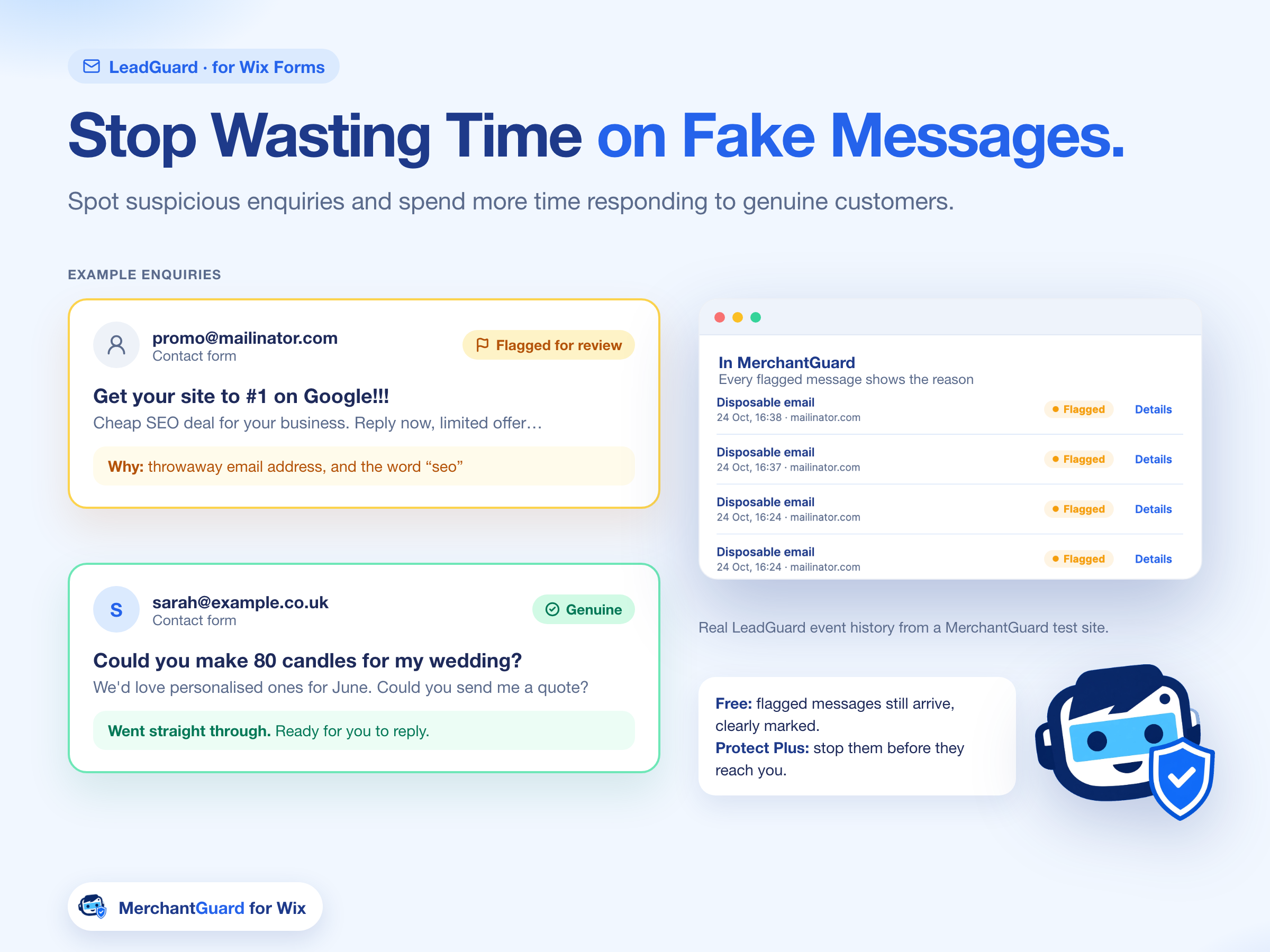
LeadGuard reviews form enquiries. A throwaway message can be flagged with the reason shown. A genuine enquiry goes straight through. On Free, flagged messages still arrive, clearly marked.
MerchantGuard checks enquiries, orders, discount codes and bookings, then shows you only what needs a look, and why. It is built for Wix stores and service businesses.
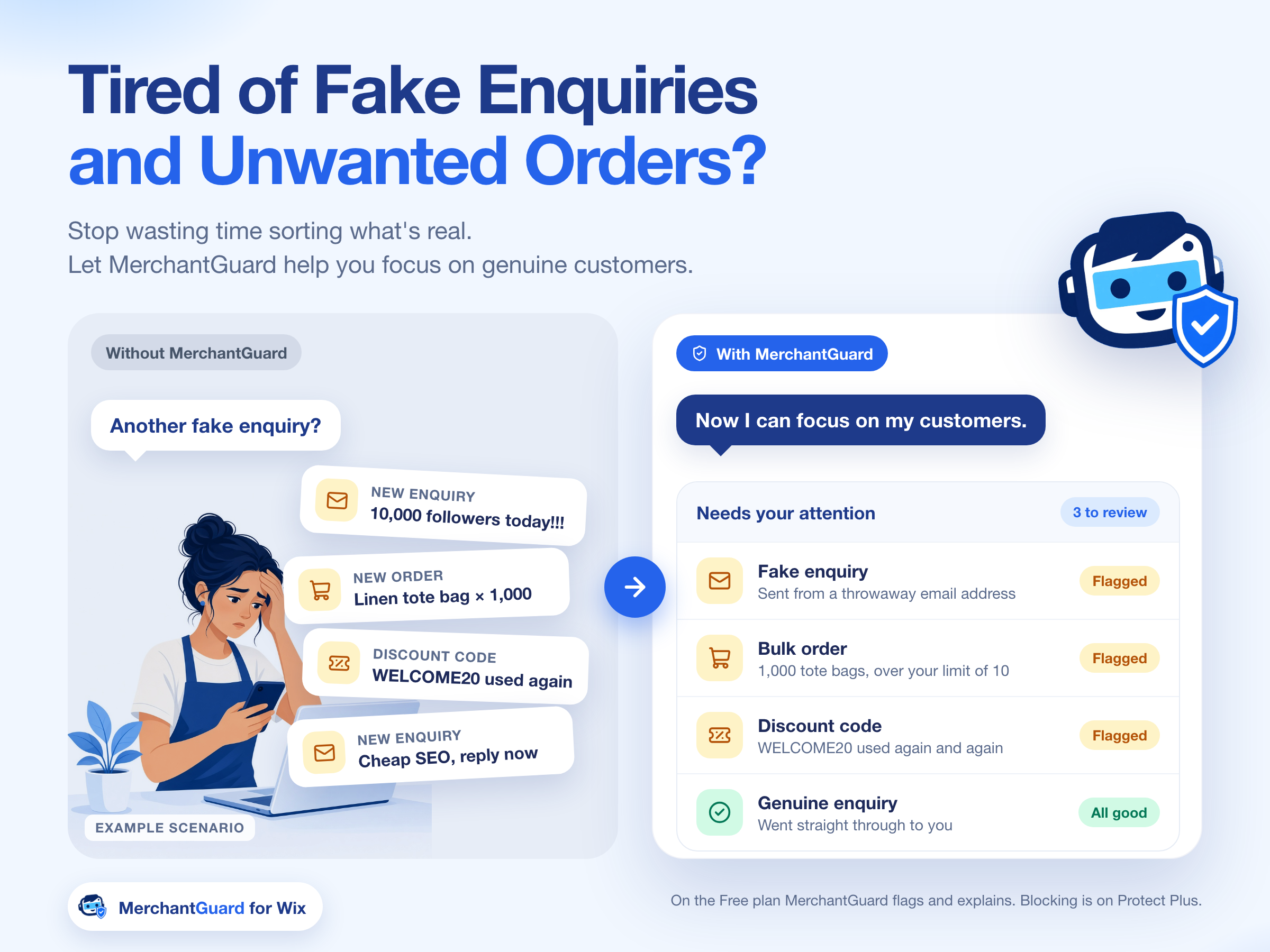
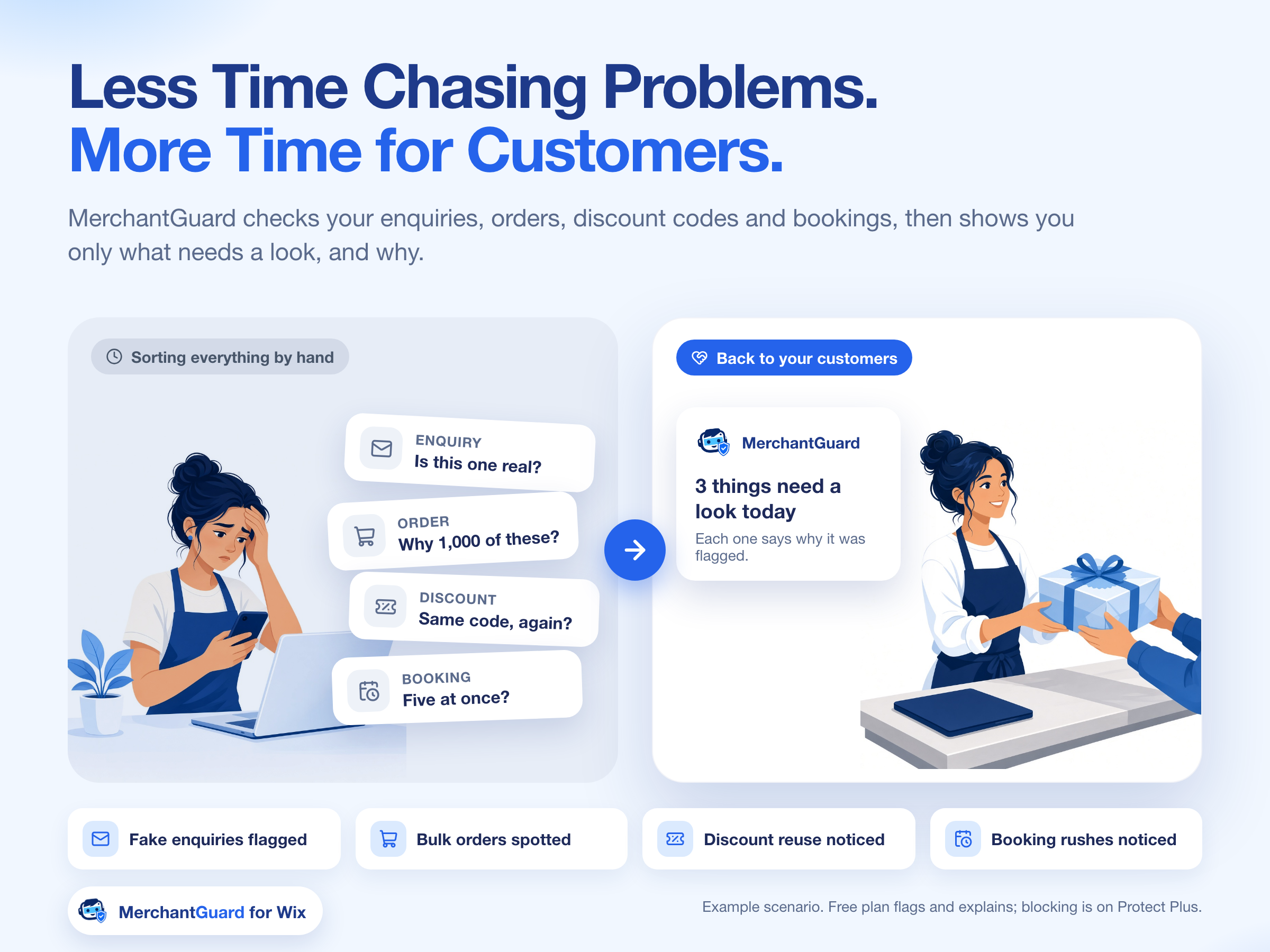
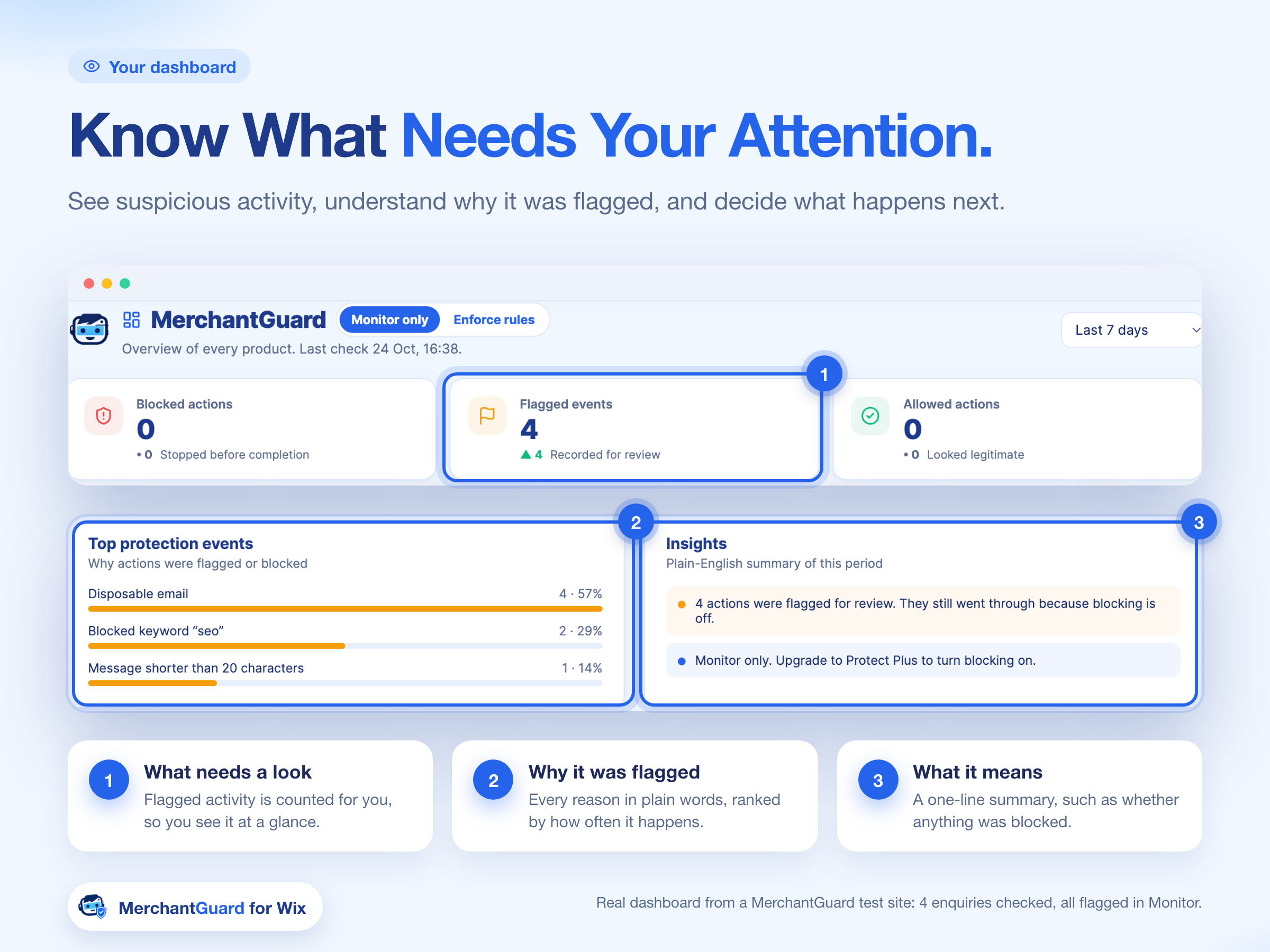
Each check has a plain-English reason, so you can see why something was flagged.
LeadGuard reviews form enquiries. A throwaway message can be flagged with the reason shown. A genuine enquiry goes straight through. On Free, flagged messages still arrive, clearly marked.
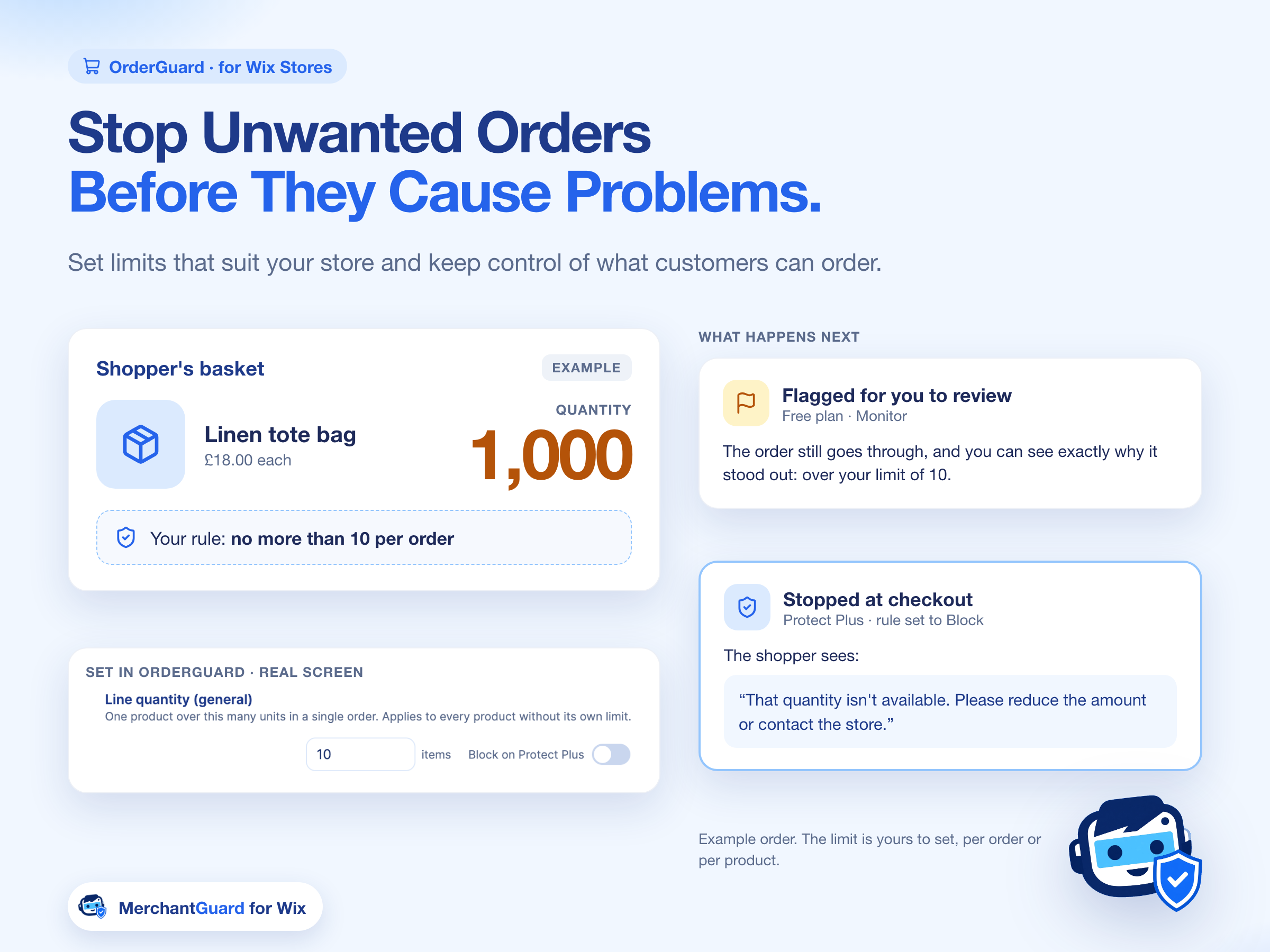
OrderGuard reviews store orders against your quantity rule. A shopper trying to order 1,000 units, when the rule is no more than 10, is flagged on Free and can be stopped at checkout on Protect Plus.
MerchantGuard can flag a reused discount code so you see the problem with a reason, instead of finding it later in the order list.
It also checks bookings and can flag a booking rush, so a service business sees the unusual activity without reading every message first.
You choose whether MerchantGuard only explains a problem, or also stops it.
MerchantGuard shows what needs a look, and why. Flagged messages still arrive, clearly marked. In Monitor only, events are flagged and nothing is blocked.
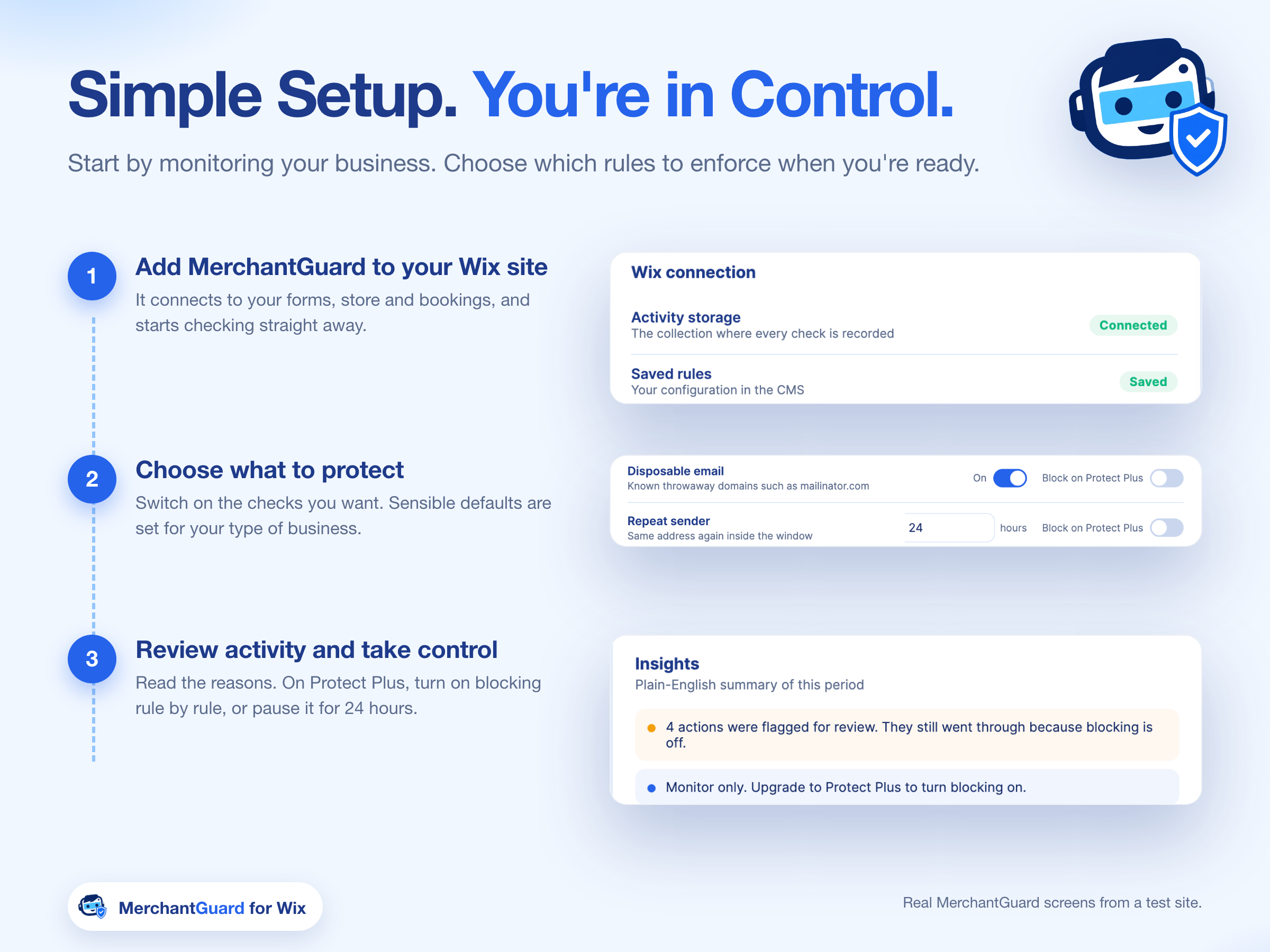
Blocking is a separate switch. Protect Plus can stop a flagged message before it reaches you, or stop an over-quantity order at checkout and ask the shopper to reduce the quantity. You can pause blocking for 24 hours.
MerchantGuard checks Wix enquiries, orders, discount codes and bookings, then shows you only what needs a look, and why.
On the Free plan, MerchantGuard flags and explains. Blocking is on Protect Plus. Flagged messages still arrive on Free, clearly marked. Protect Plus can stop them before they reach you. For an order over your quantity rule, Free flags it for review. Protect Plus can stop it at checkout and ask the shopper to reduce the quantity.
LeadGuard is for Wix Forms. A throwaway message can be flagged with the reason shown. A genuine enquiry goes straight through.
OrderGuard is for Wix Stores. If a shopper tries to order far more units than your rule allows, MerchantGuard flags that order on the Free plan and can stop it at checkout on Protect Plus.
In Monitor only, flagged events are listed and nothing is blocked, because blocking is off. Reasons are written in plain English, such as a disposable email, a blocked keyword, or a message shorter than 20 characters.
Add MerchantGuard to your Wix site, choose what to protect, then review activity. Sensible defaults are on. Blocking is a separate switch on Protect Plus, and you can pause it for 24 hours.
MerchantGuard is in early access. Add it to your Wix site at https://wix.to/4QyUv02.
MerchantGuard is in early access. Add it to your Wix site from the button below.
Get MerchantGuard on Wix